
New to ordering online? Follow these steps, one at a time. The screenshots show the buttons and details to look for. Tap a picture to enlarge it.
Need help at any step? Call 0917 719 1314 · Mon–Fri, 08:00–17:00.
- STEP 1 OF 7
Sign in or create your account
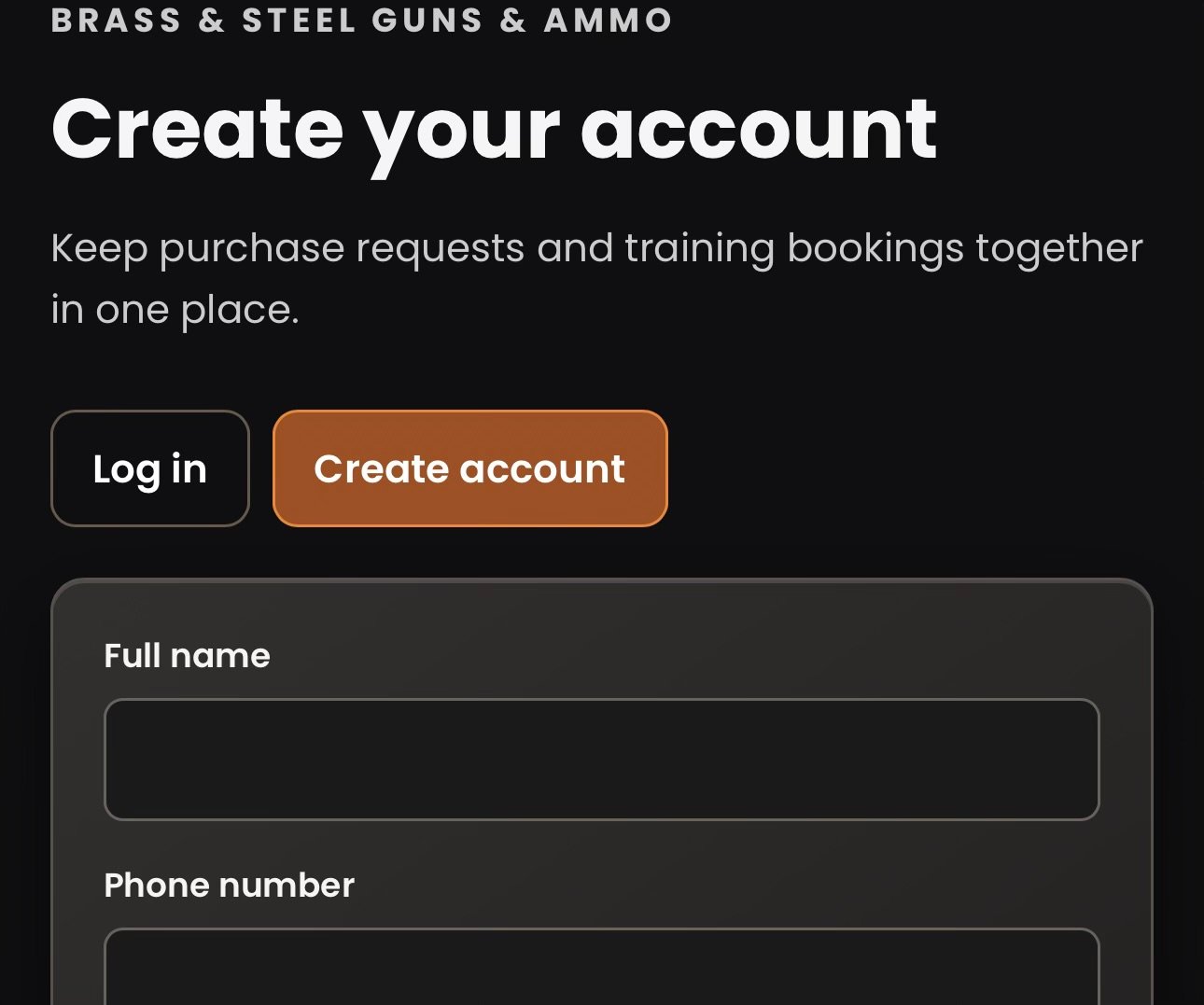
Tap the person icon beside Search. Choose Log in if you already have an account, or Create account if this is your first visit. You need to be logged in to request a purchase.
- STEP 2 OF 7
Find the item you want
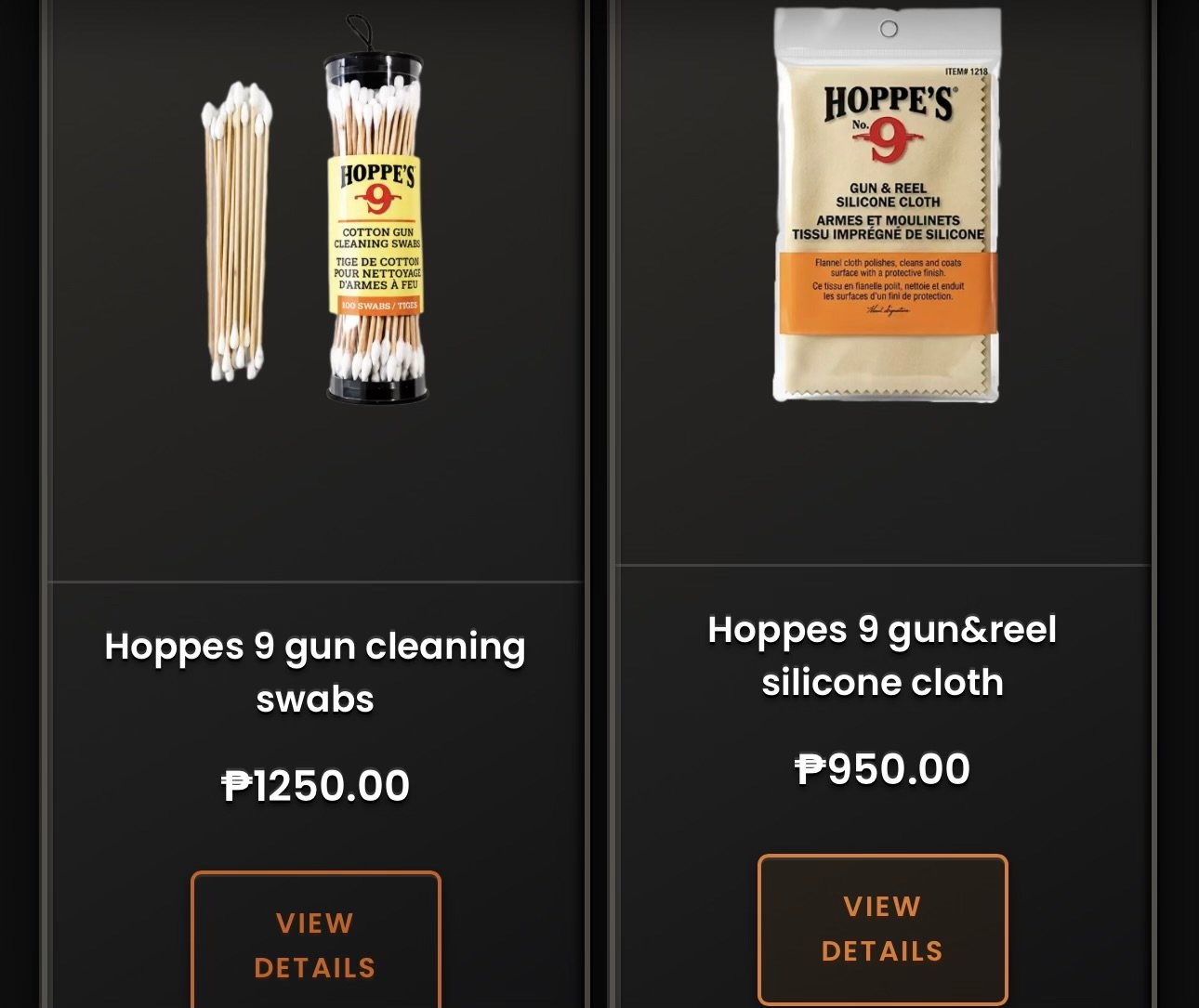
Open Shop. Tap a category or use Search to find an item. Tap the product card to open its details.
- STEP 3 OF 7
Choose the variant and size (if applicable)
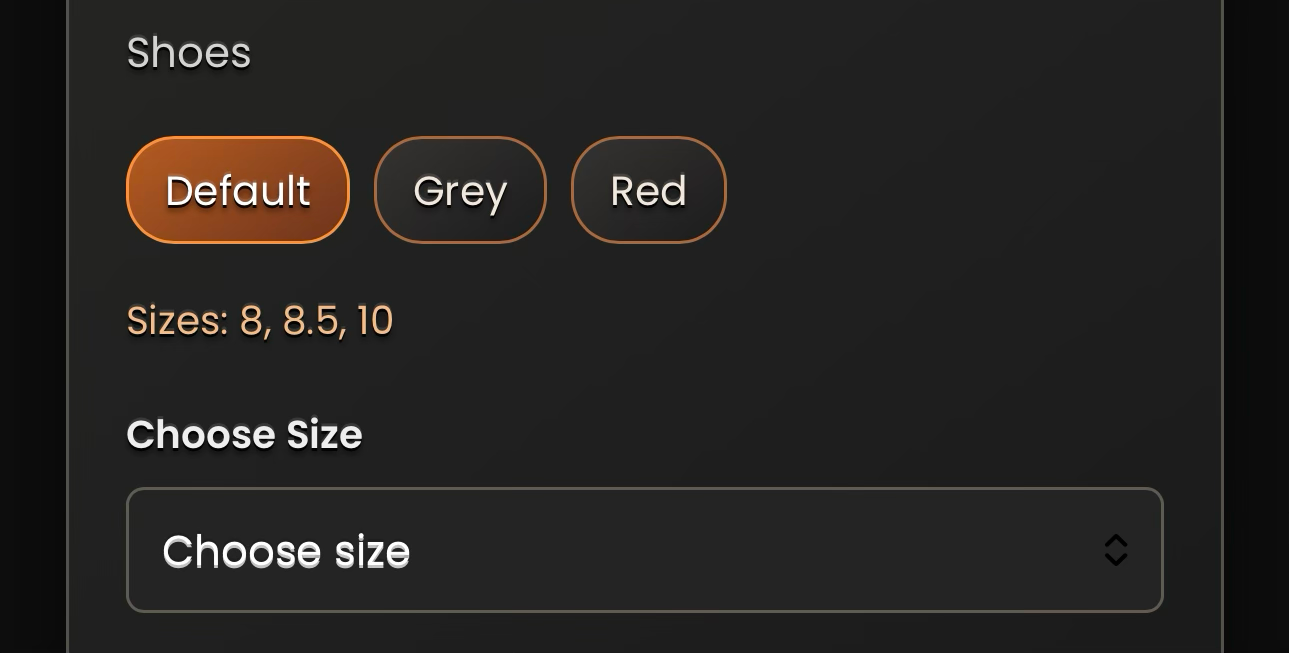
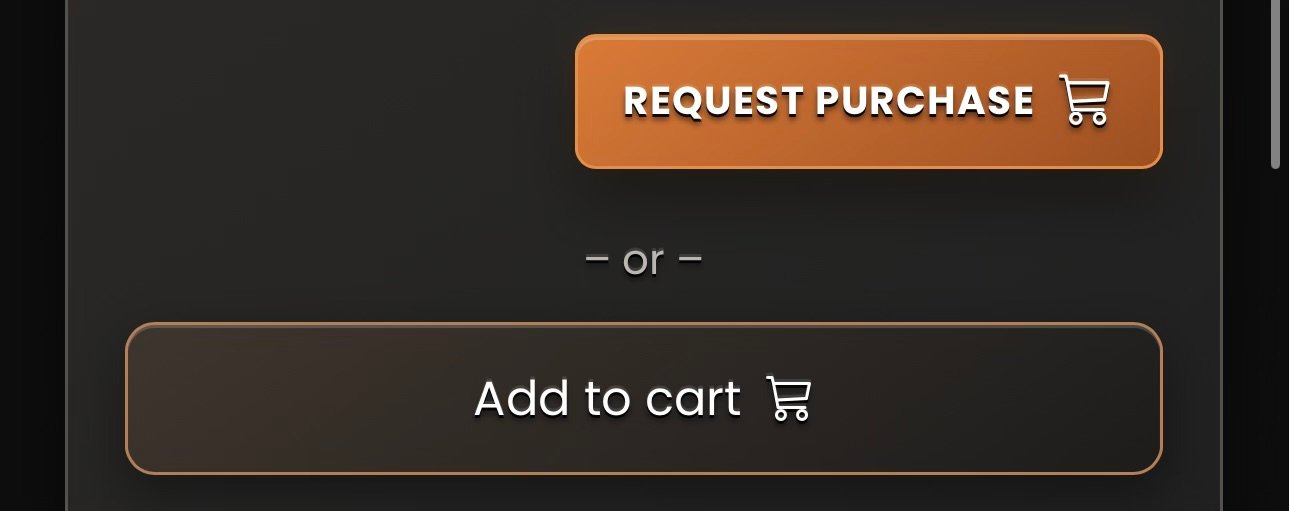
Check the photos, description and price. Choose your preferred variant and size, if applicable. Tap Add to cart to collect items and submit them together, or tap Request purchase to request a single item.
- STEP 4 OF 7
Fill in the order request form
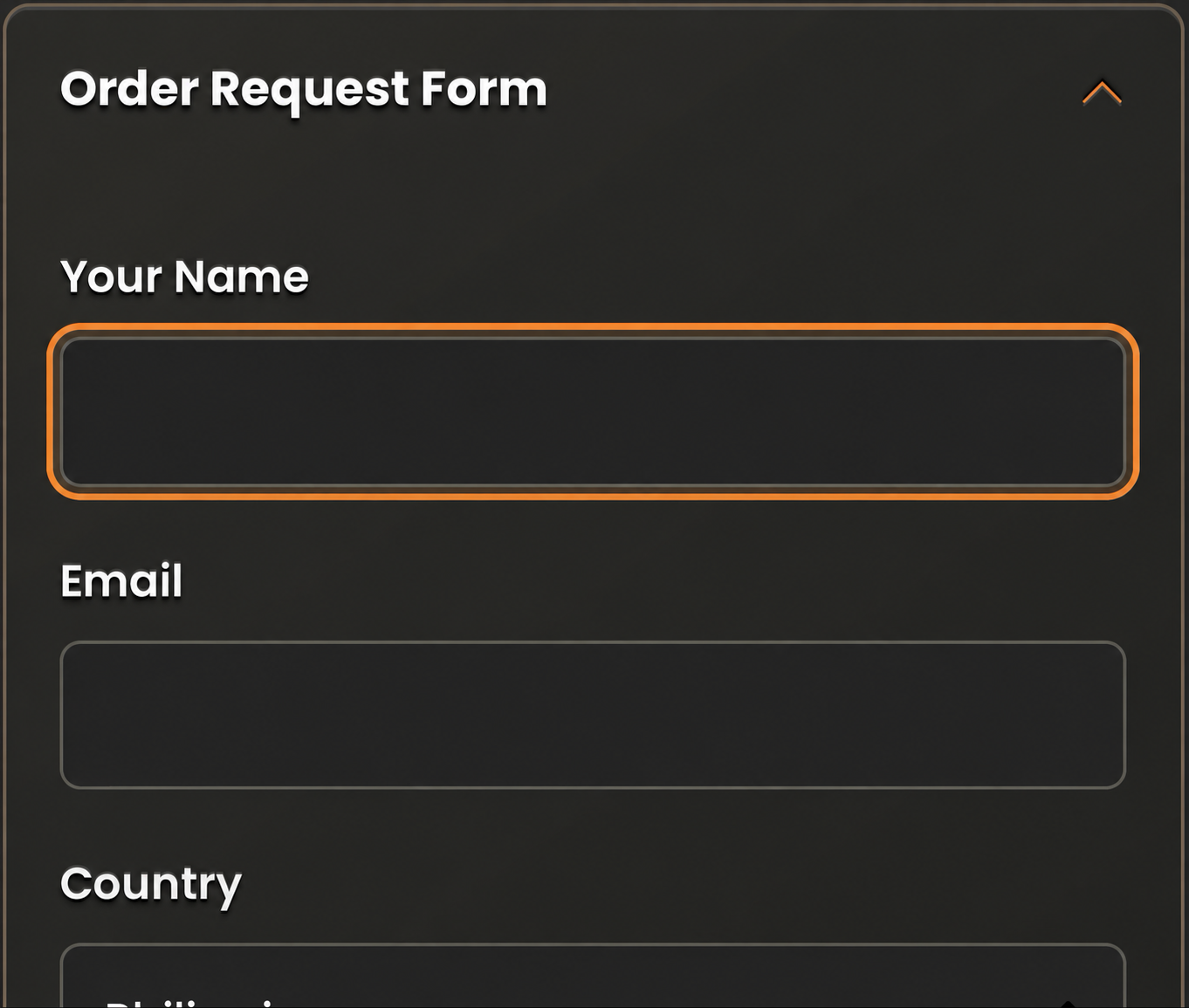
Tap Request purchase. Fill in all required fields. Choose Pickup or Shipping and your preferred contact method. For Shipping, enter your full delivery address. Message is optional. Submit the request when everything is correct.
- STEP 5 OF 7
Wait for our review
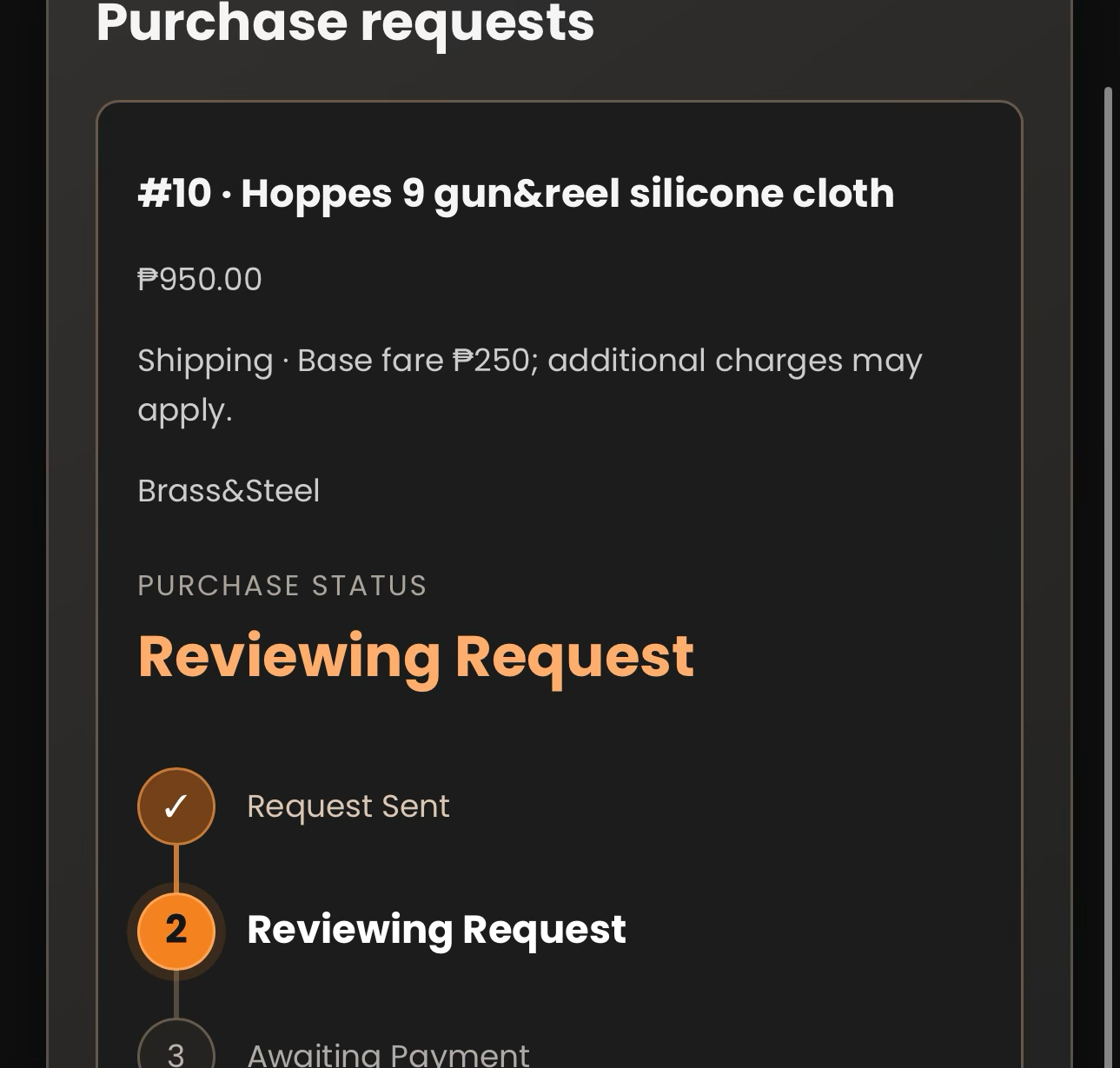
Your account will show Request sent. Our team reviews your request. When it changes to Awaiting Payment, check your email and account for the confirmed amount due and payment instructions.
- STEP 6 OF 7
Pay and upload your receipt
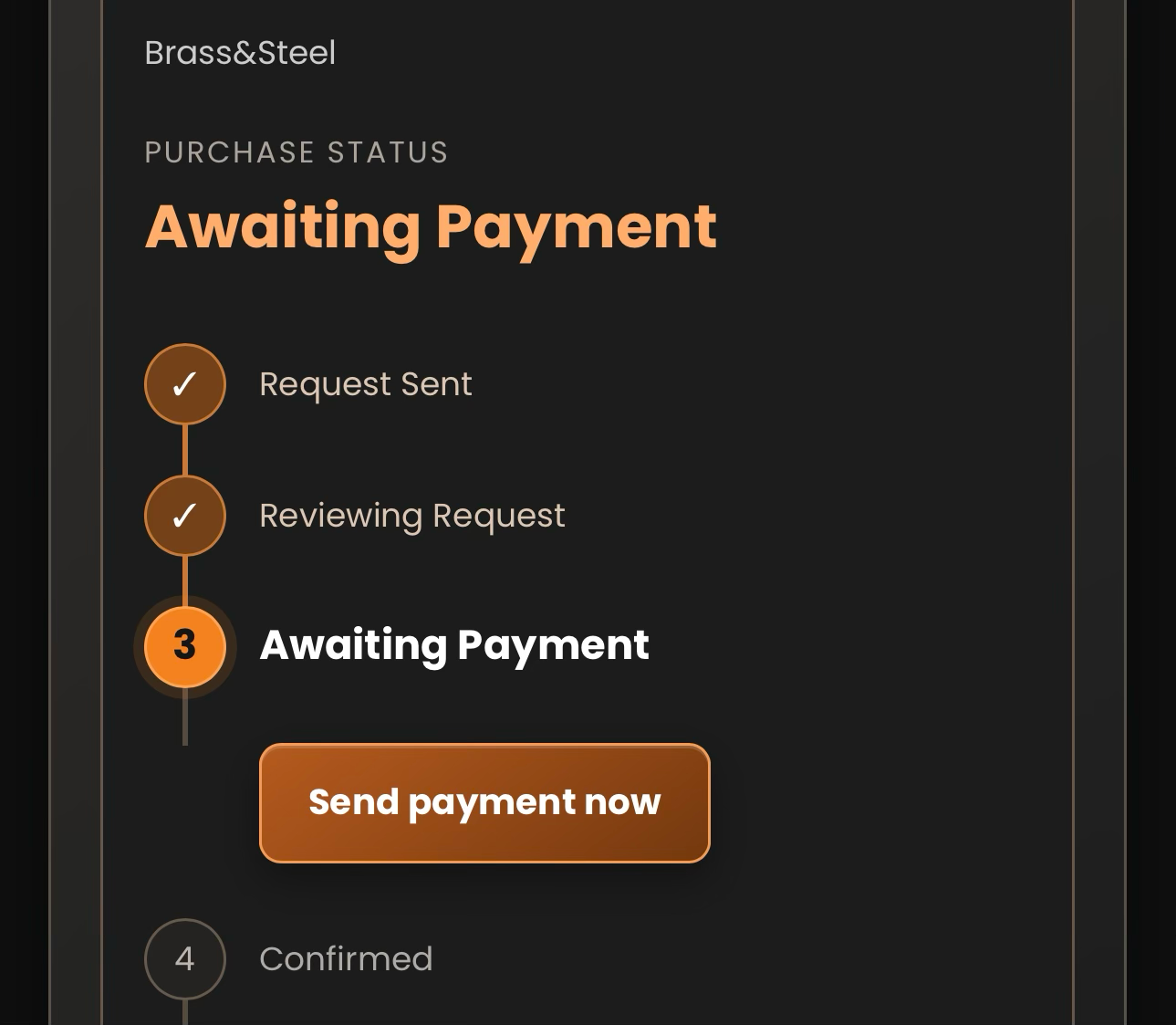
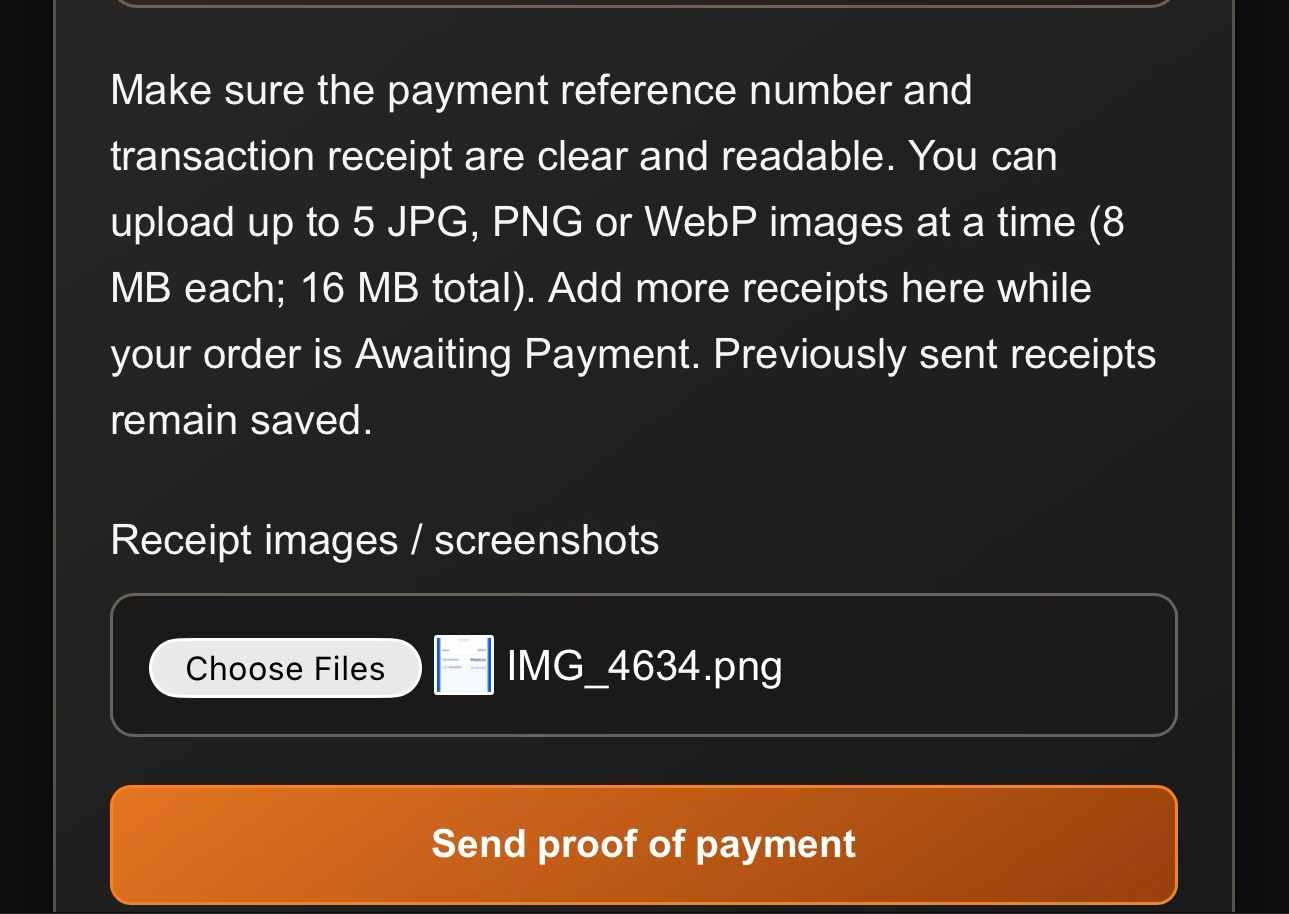
Open My Account, find your order, and tap Send payment now. Pay using the GCash or BDO details shown. You can tap Show QR for GCash. Upload a clear receipt image, then tap Send proof of payment. You can add more receipts while Awaiting Payment.
- STEP 7 OF 7
Track pickup or delivery
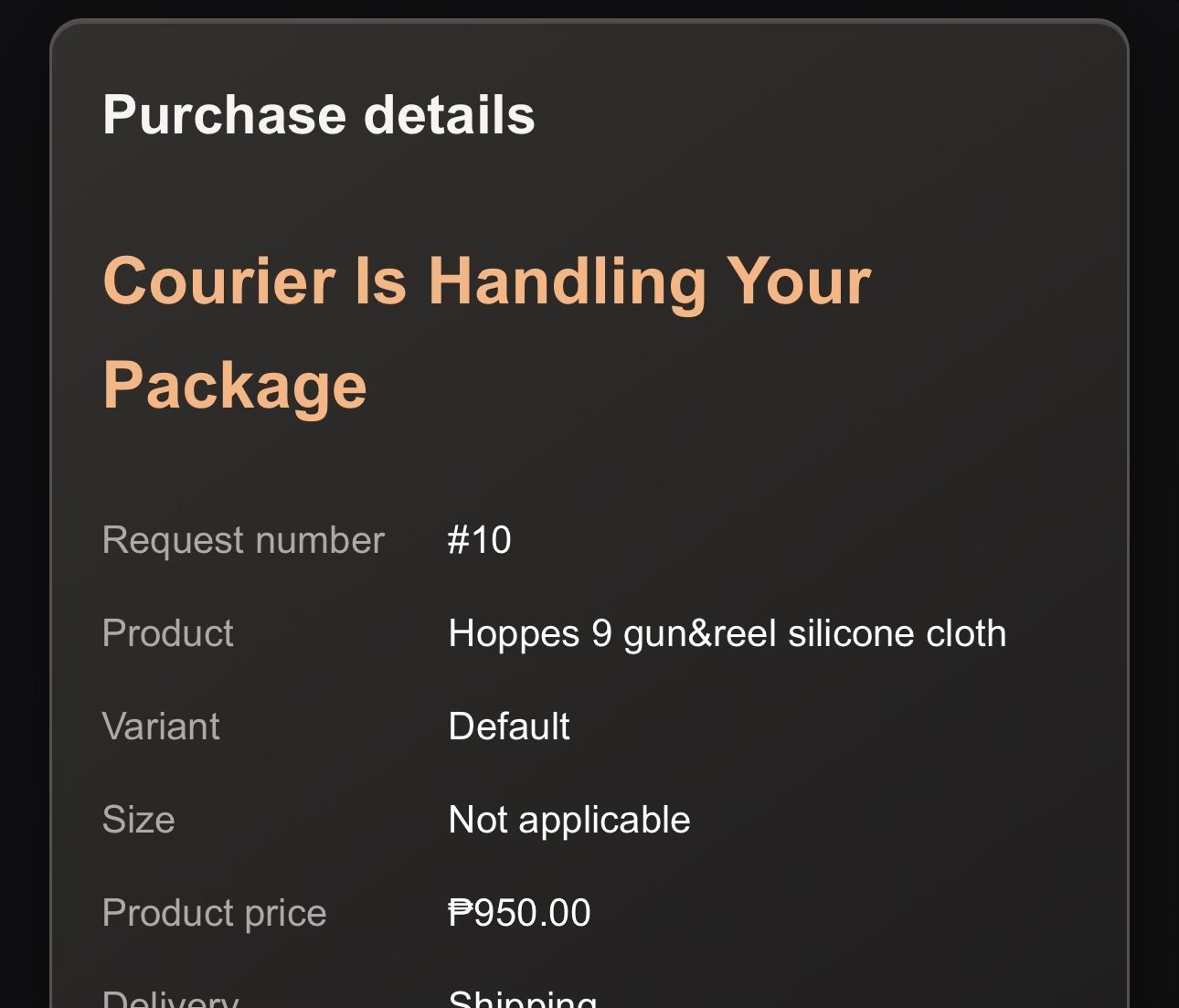
After our team verifies payment, your order changes to Confirmed and you receive a confirmation email. Open My Account and find your order to follow its progress. Pickup orders show Ready for Pickup. Shipping orders show Awaiting Courier, then Courier Is Handling Your Package.
Before you submit
Check your selected item, variant, size and contact details. If you choose Shipping, the base shipping fare is ₱250; additional charges may apply. Our team will confirm the final amount.
Sending an order request or uploading a receipt does not confirm your purchase. Our team must review the request and verify payment first.
For the payment receipt, make sure the reference number and transaction details are clear. Some products may require additional documents; our team will explain what is needed.